
In 2026, cloud adoption is no longer optional for small and mid-sized businesses.
Companies are moving away from traditional on-premise infrastructure due to rising costs, limited scalability, and increasing security risks.
However, cloud migration can be complex without the right planning, tools, and expertise.
That’s why many businesses rely on experts like IT Ninjas to ensure smooth, secure, and efficient migration processes.
Quick Answer: What Is Cloud Migration?
- Moving data, applications, and systems from on-premise servers to cloud platforms
- Improves scalability, flexibility, and remote access
- Reduces hardware and maintenance costs
- Enhances security and disaster recovery
- Enables modern digital business operations
What Is Cloud Migration?
Cloud migration is the process of transferring digital business assets such as applications, databases, and IT systems from local infrastructure to cloud environments.
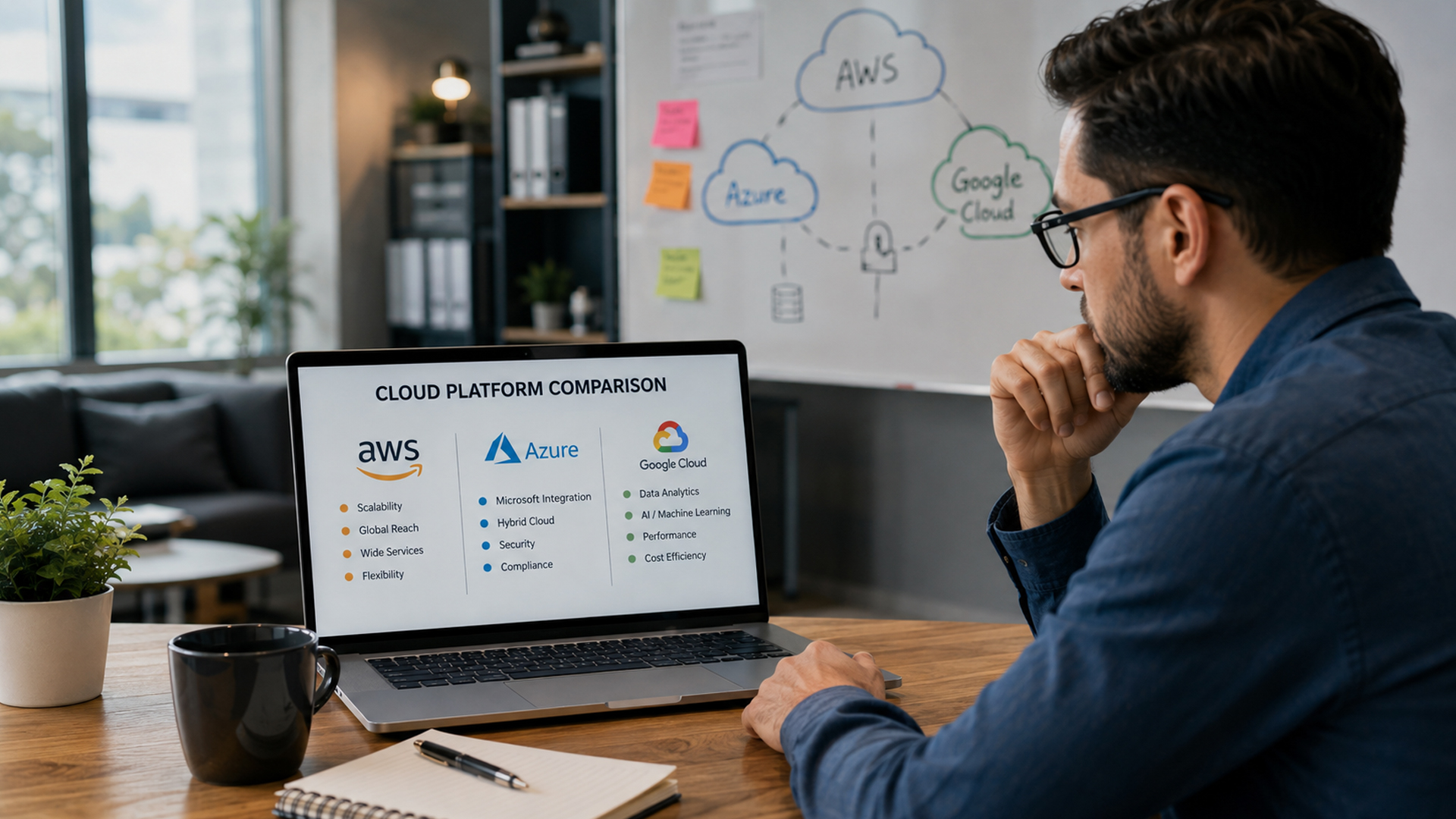
Also known as cloud transition or cloud adoption, it allows businesses to run operations using platforms like AWS, Azure, or Google Cloud.
Instead of relying on physical servers, businesses use scalable online infrastructure.
Why Cloud Migration Matters in 2026
Cloud adoption has accelerated due to:
- Remote and hybrid work models
- Rising hardware and maintenance costs
- Increased cybersecurity requirements
- AI-powered cloud services
- Need for real-time data access
Businesses that fail to migrate risk falling behind competitors.
Key Benefits of Cloud Migration
1. Cost Reduction
Eliminates expensive on-premise hardware and maintenance.
2. Scalability
Easily scale storage and computing power as needed.
3. Remote Access
Employees can work securely from anywhere.
4. Improved Security
Cloud providers offer advanced encryption and monitoring tools.
5. Business Continuity
Built-in backup and disaster recovery systems.
Risks of Not Migrating to the Cloud
- High infrastructure maintenance costs
- Limited remote work capabilities
- Poor scalability during business growth
- Increased risk of data loss
- Slower innovation and digital transformation
Cloud Migration Process (Step-by-Step)
Step 1: Assessment
Analyze current IT infrastructure and workloads.
Step 2: Planning
Define cloud goals, costs, and migration strategy.
Step 3: Choosing Cloud Provider
Select AWS, Azure, Google Cloud, or hybrid setup.
Step 4: Migration Execution
Transfer data, applications, and systems securely.
Step 5: Testing and Optimization
Ensure performance, security, and system stability.
Cloud Migration Strategies
1. Lift and Shift
Move systems directly to the cloud with minimal changes.
2. Replatforming
Slightly modify applications for better cloud performance.
3. Refactoring
Redesign applications for full cloud optimization.
MSP Role in Cloud Migration
Managed service providers help businesses by:
- Planning migration strategy
- Minimizing downtime risks
- Ensuring data security
- Managing cloud environments
- Optimizing performance after migration
Companies like IT Ninjas specialize in end-to-end cloud migration support for SMBs.
Common Cloud Migration Mistakes
- Poor planning and assessment
- Ignoring security requirements
- Underestimating downtime risks
- Choosing wrong cloud architecture
- Lack of post-migration optimization
Industry Use Cases
- Healthcare – secure patient data systems
- Finance – real-time transaction processing
- Retail – scalable eCommerce platforms
- SaaS companies – application hosting
- Legal firms – secure document storage
- Manufacturing – IoT and production monitoring
Cost vs Value
Traditional Infrastructure:
- High hardware costs
- Maintenance expenses
- Limited scalability
- Higher downtime risk
Cloud Infrastructure:
- Pay-as-you-go pricing
- Lower maintenance costs
- Flexible scaling
- Better disaster recovery
Frequently Asked Questions
It is moving business systems and data to cloud platforms.
Yes, when properly planned and secured.
It depends on system size and complexity.
Yes, for scalability, security, and cost efficiency.
Conclusion
Cloud migration is a critical step for SMBs in 2026 looking to improve scalability, reduce costs, and strengthen security.
Without proper planning, migration can be risky, but with expert support, it becomes a smooth digital transformation process.
Businesses can work with IT Ninjas to ensure secure and efficient cloud adoption.
By following best practices and working with experts like IT Ninjas, SMBs can build secure, resilient, and compliant cloud environments.