In 2026, cloud computing is no longer optional, it is the foundation of modern business operations.
However, choosing the right cloud model is just as important as adopting cloud technology itself.
Two of the most common approaches are public cloud and hybrid cloud, each offering different levels of control, cost, and flexibility.
Businesses often rely on experts like IT Ninjas to design the right cloud architecture for performance, security, and scalability.
Quick Answer: Hybrid Cloud vs Public Cloud
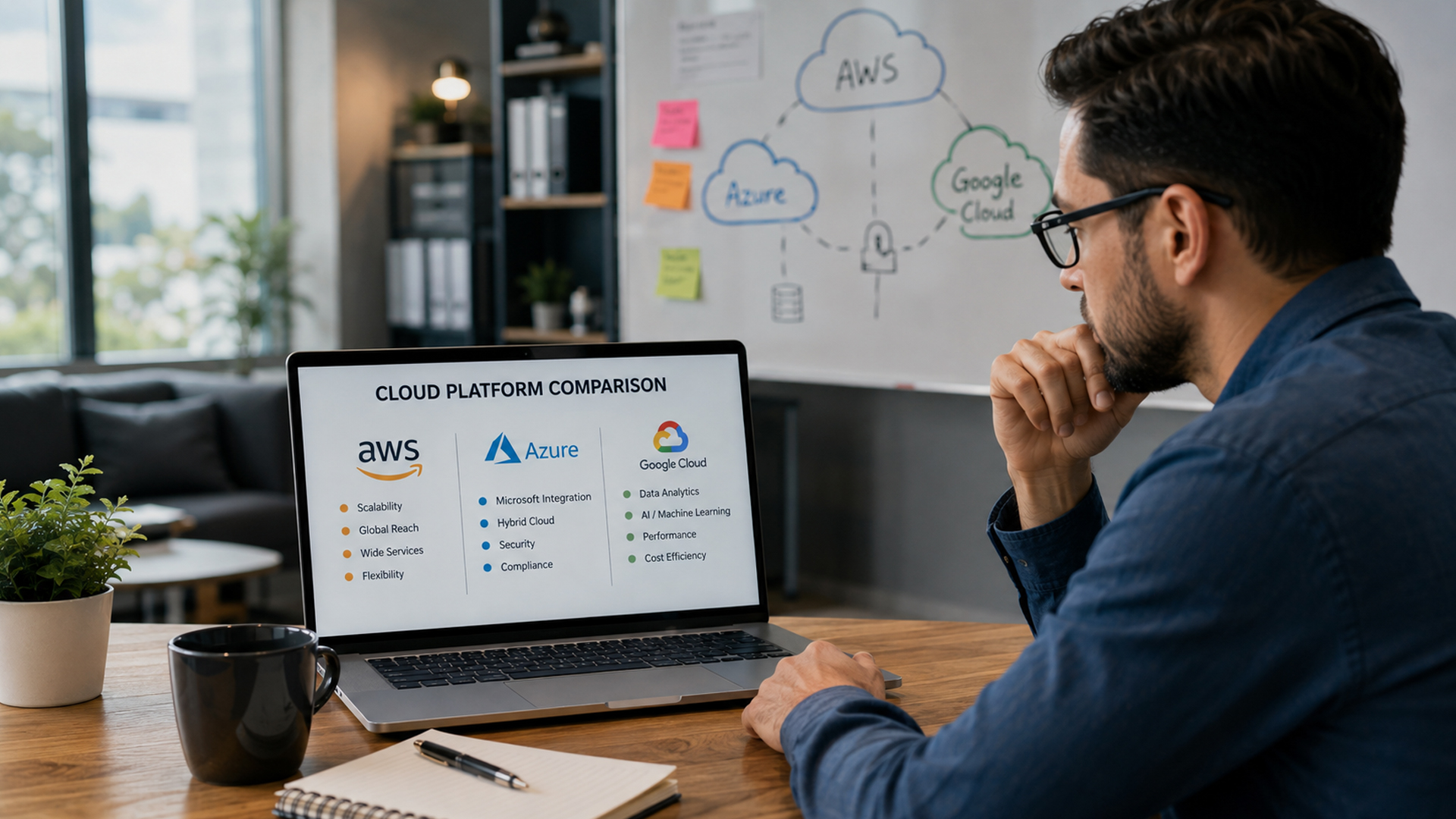
- Public cloud = shared infrastructure managed by providers like AWS, Azure, Google Cloud
- Hybrid cloud = combination of private + public cloud environments
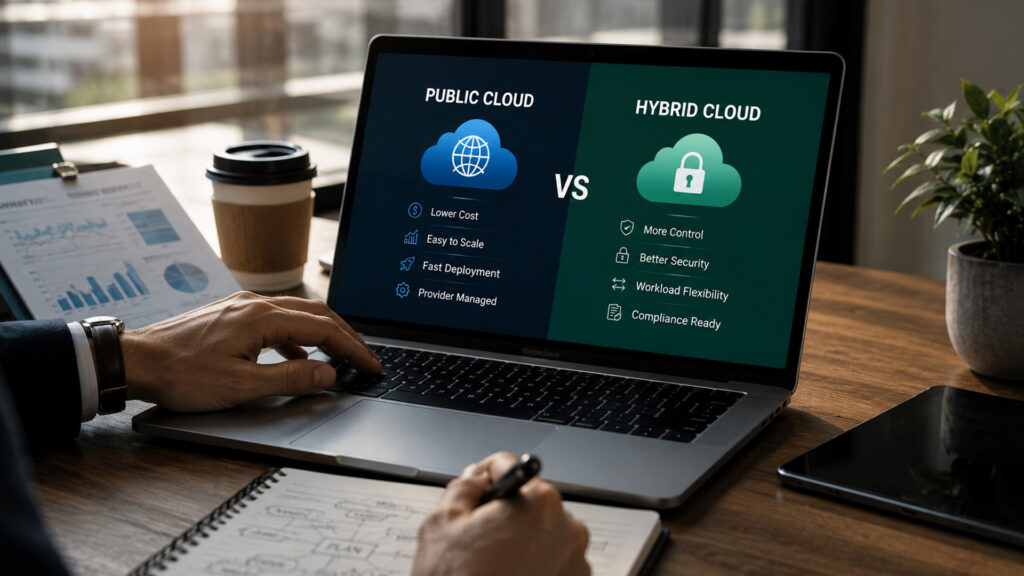
- Public cloud is cheaper and easier to manage
- Hybrid cloud offers more control and security flexibility
- Best choice depends on business size, compliance, and workload needs
What Is Public Cloud?
Public cloud is a cloud computing model where infrastructure is owned and managed by third-party providers and shared across multiple users.
Examples include:
- Amazon Web Services (AWS)
- Microsoft Azure
- Google Cloud Platform
Key Features:
- Pay-as-you-go pricing
- Highly scalable infrastructure
- No hardware maintenance required
- Fast deployment
Public cloud is widely used by SMBs due to its simplicity and low upfront cost.
What Is Hybrid Cloud?
Hybrid cloud combines private infrastructure (on-premise or dedicated servers) with public cloud services.
This allows businesses to:
- Keep sensitive data in private environments
- Use public cloud for scalability and applications
- Balance security and flexibility
Key Features:
- Mixed infrastructure model
- Greater control over sensitive data
- Flexible workload distribution
- Higher customization
Hybrid cloud is commonly used by regulated industries.
Key Differences (Hybrid vs Public Cloud)
1. Cost Structure
- Public Cloud: Lower upfront cost, pay-as-you-go
- Hybrid Cloud: Higher setup cost, optimized long-term control
2. Security
- Public Cloud: Strong provider security but shared environment
- Hybrid Cloud: More control over sensitive data
3. Scalability
- Public Cloud: Highly scalable and flexible
- Hybrid Cloud: Scalable but dependent on private infrastructure
4. Complexity
- Public Cloud: Easy to deploy and manage
- Hybrid Cloud: Requires advanced IT management
5. Compliance
- Public Cloud: Suitable for general workloads
- Hybrid Cloud: Better for strict regulatory industries
Why This Choice Matters in 2026
Cloud architecture decisions are more critical than ever due to:
- Rising cybersecurity threats
- Increasing data compliance regulations
- Growth of AI-driven workloads
- Remote and hybrid work environments
- Higher dependency on cloud-native systems
A wrong cloud model can lead to overspending, security risks, or performance issues.
Benefits of Public Cloud
1. Lower Costs
No hardware or maintenance expenses.
2. Easy Scalability
Instantly scale resources based on demand.
3. Fast Deployment
Applications can be launched quickly.
4. Managed Infrastructure
Providers handle all maintenance and updates.
Benefits of Hybrid Cloud
1. Better Security Control
Sensitive data can remain in private systems.
2. Flexibility
Workloads can shift between environments.
3. Compliance Support
Meets strict regulatory requirements.
4. Optimized Performance
Critical workloads can be isolated for better performance.
Risks of Public Cloud
- Less control over infrastructure
- Potential vendor lock-in
- Shared environment risks
- Costs can increase with heavy usage
Risks of Hybrid Cloud
- Higher setup and maintenance complexity
- Requires skilled IT management
- Integration challenges
- Higher initial investment
MSP Role in Cloud Architecture
Choosing between hybrid and public cloud is not just a technical decision, it is a business strategy.
Managed service providers help by:
- Designing cloud architecture
- Managing hybrid integrations
- Ensuring security compliance
- Optimizing cost and performance
- Handling cloud migration and monitoring
Organizations like IT Ninjas specialize in building secure and scalable cloud environments tailored for SMBs.
Step-by-Step Decision Framework
Step 1: Identify Workloads
Classify data as sensitive or general.
Step 2: Define Compliance Needs
Understand industry regulations.
Step 3: Evaluate Budget
Compare upfront vs long-term costs.
Step 4: Assess IT Capability
Check internal skill availability.
Step 5: Plan Scalability
Forecast future growth needs.
Industry Use Cases
- Healthcare – hybrid for patient data protection
- Finance – strict compliance hybrid systems
- Retail – public cloud for scalability
- SaaS companies – public cloud for speed
- Government services – hybrid for security
- Manufacturing – hybrid for operational control
Cost Comparison Insight
- Public Cloud: Lower entry cost, usage-based pricing
- Hybrid Cloud: Higher setup cost, long-term optimization benefits
SMBs often start with public cloud and evolve into hybrid models.
Frequently Asked Questions
Hybrid combines private + public systems, while public cloud is fully provider-managed.
Public cloud is cheaper initially.
Hybrid cloud offers more control over sensitive data.
Depends on compliance, budget, and workload complexity.
Conclusion
Both hybrid and public cloud models offer strong advantages, but the right choice depends on your business goals.
- Public cloud = simplicity and scalability
- Hybrid cloud = control and compliance
For SMBs, selecting the right architecture is critical for long-term success.
That’s why businesses partner with IT Ninjas to design, deploy, and manage optimized cloud environments.
Partnering with IT Ninjas ensures proactive cybersecurity, continuous monitoring, and strong defense against modern threats.