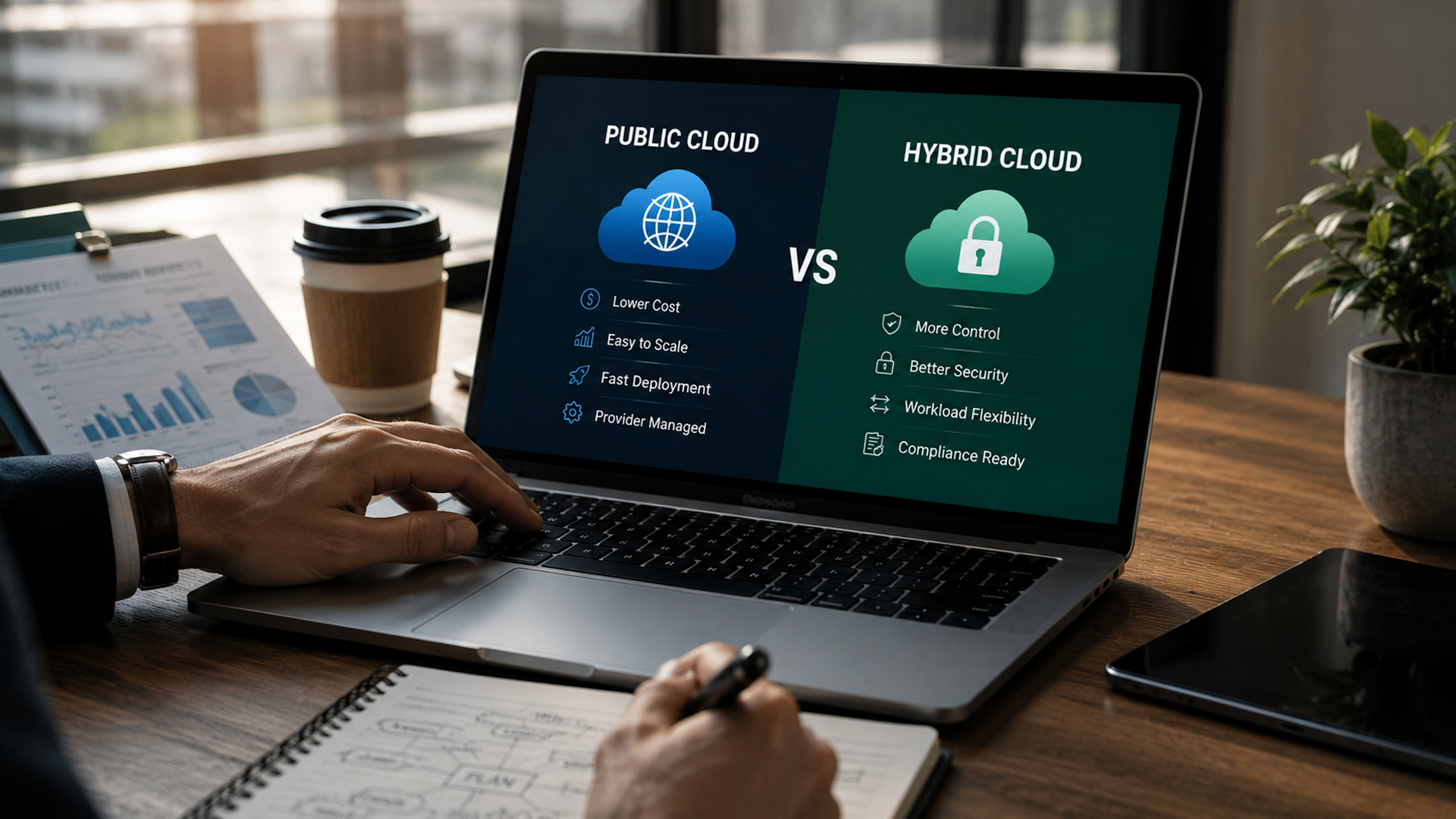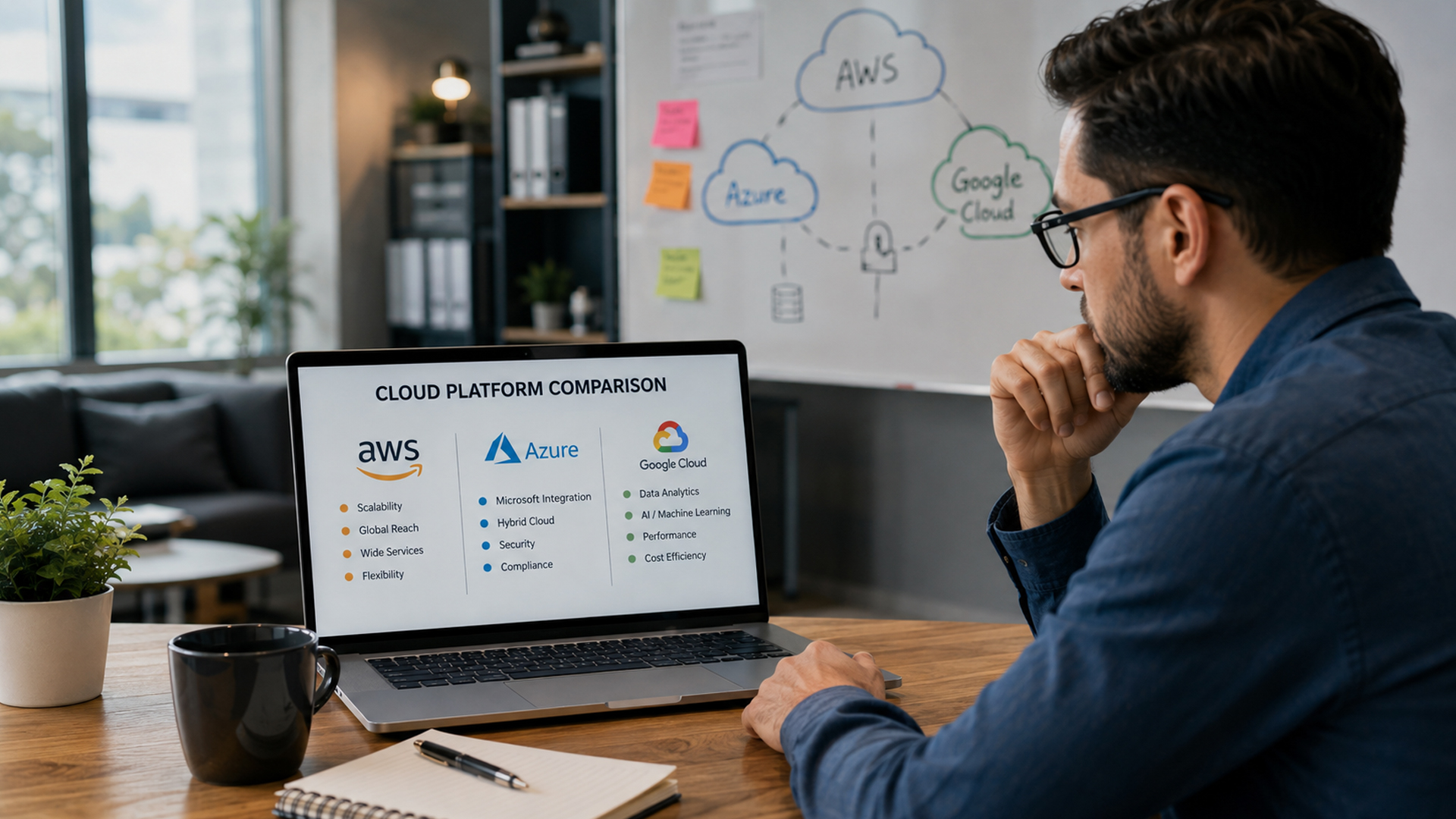

In 2026, cloud environments are the backbone of modern business operations—but they are also one of the biggest targets for cyberattacks.
As SMBs increasingly rely on AWS, Azure, and Google Cloud, the risk of misconfigurations, data breaches, and unauthorized access has grown significantly.
Cloud security is no longer optional—it is essential for business survival.
That’s why many organizations partner with experts like IT Ninjas to secure and manage their cloud infrastructure proactively.
Quick Answer: What Are Cloud Security Best Practices?
- Methods to protect cloud data, applications, and infrastructure
- Includes encryption, access control, and monitoring
- Prevents cyberattacks, breaches, and data leaks
- Ensures compliance with industry regulations
- Essential for all SMB cloud environments in 2026
What Is Cloud Security?
Cloud security refers to the set of technologies, policies, and controls used to protect cloud-based systems from threats.
It covers:
- Data protection
- Identity and access management
- Network security
- Application security
- Compliance enforcement
Also known as cloud cybersecurity, it ensures business systems remain safe in public, private, and hybrid cloud environments.
Why Cloud Security Matters in 2026
Cloud threats have evolved due to:
- AI-powered cyberattacks
- Increased remote work environments
- Multi-cloud complexity
- Rising ransomware-as-a-service models
- Human error and misconfiguration risks
SMBs are especially vulnerable because they often lack dedicated security teams.
Top Cloud Security Best Practices
Strong Identity and Access Management (IAM)
Limit access to only authorized users based on roles.
- Use role-based access control (RBAC)
- Apply least privilege principle
- Regularly review user permissions
Multi-Factor Authentication (MFA)
Add extra layers of login security.
- Prevents unauthorized access even if passwords are stolen
- Required for all admin-level accounts
Data Encryption (At Rest & In Transit)
Protect sensitive information at all times.
- Encrypt stored data
- Encrypt data during transmission
- Use secure SSL/TLS protocols
Continuous Monitoring
Real-time monitoring helps detect threats early.
- Track unusual activity
- Monitor login attempts
- Detect anomalies in system behavior
Regular Security Patching
Outdated systems are a major vulnerability.
- Apply updates immediately
- Patch cloud applications regularly
- Automate security updates when possible
Backup & Disaster Recovery
Ensure business continuity during attacks.
- Maintain automated backups
- Store backups in separate environments
- Test recovery systems regularly
Network Security Controls
Secure cloud infrastructure against unauthorized access.
- Use firewalls
- Implement intrusion detection systems
- Segment cloud networks
Common Cloud Security Risks
Misconfigured Cloud Settings
Incorrect configurations expose sensitive data.
Weak Passwords
Easy-to-guess credentials increase breach risk.
Insider Threats
Employees may unintentionally or intentionally leak data.
Unsecured APIs
Poorly secured APIs can become entry points for attackers.
Lack of Visibility
Without monitoring, threats go undetected.
Cloud Security Framework Overview
MSP Role in Cloud Security
Managing cloud security internally can be complex and resource-intensive.
Managed service providers like IT Ninjas help SMBs by:
- Implementing enterprise-grade security frameworks
- Monitoring cloud environments 24/7
- Detecting and responding to threats in real time
- Managing compliance requirements
- Reducing human error in configurations
Industry Use Cases
- Healthcare – secure patient data and HIPAA compliance
- Finance – fraud prevention and secure transactions
- Retail – payment data protection
- SaaS companies – secure application hosting
- Legal firms – confidential document security
- Manufacturing – IoT and operational security
Cloud Security vs Traditional Security
Traditional IT Security:
- On-premise only
- Limited scalability
- Manual updates
- Higher hardware dependency
Cloud Security:
- Scalable protection
- Real-time monitoring
- Automated updates
- Advanced threat intelligence
👉 Cloud security provides stronger and more adaptive protection in 2026.
Cost of Poor Cloud Security
Failing to secure cloud systems can result in:
- Data breaches and ransomware attacks
- Regulatory fines and compliance violations
- Downtime and business disruption
- Loss of customer trust
- High recovery costs
Prevention is significantly cheaper than recovery.
Frequently Asked Questions
It is the protection of cloud data, systems, and infrastructure from cyber threats.
Because cyberattacks are more advanced and frequent.
Misconfigurations and weak access controls.
Yes, managed security services make it cost-effective.
Conclusion
Cloud security is a critical requirement for SMBs operating in 2026. Without strong protection, businesses risk financial loss, downtime, and reputational damage.
By following best practices and working with experts like IT Ninjas, SMBs can build secure, resilient, and compliant cloud environments.